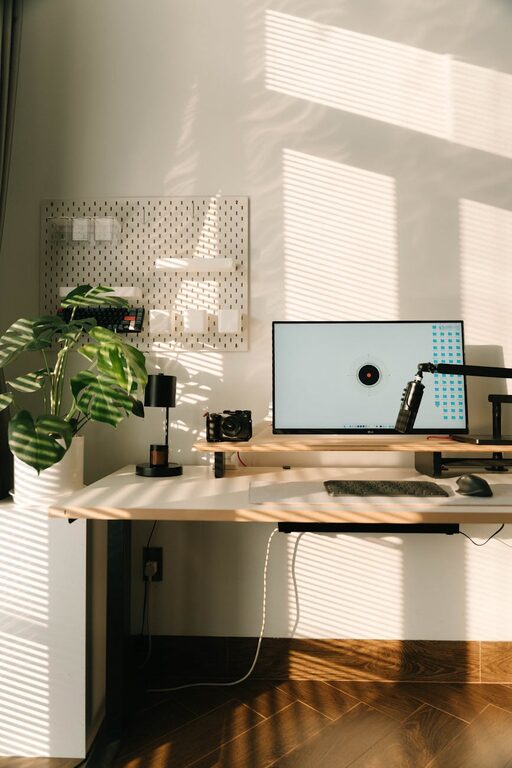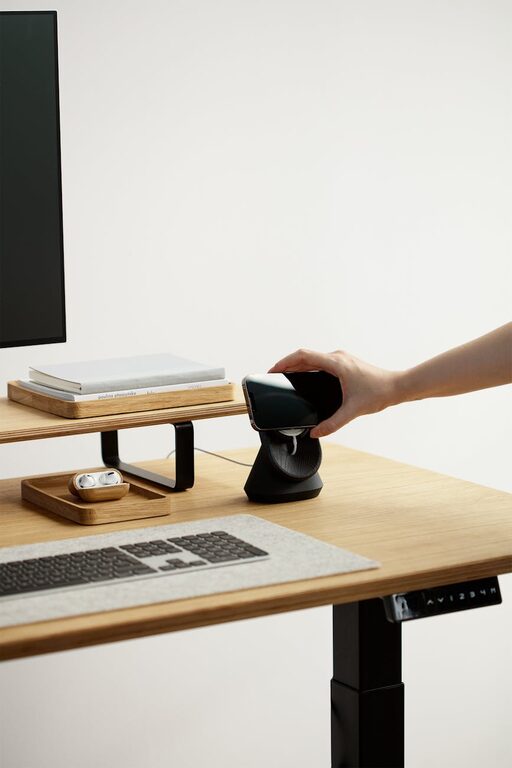
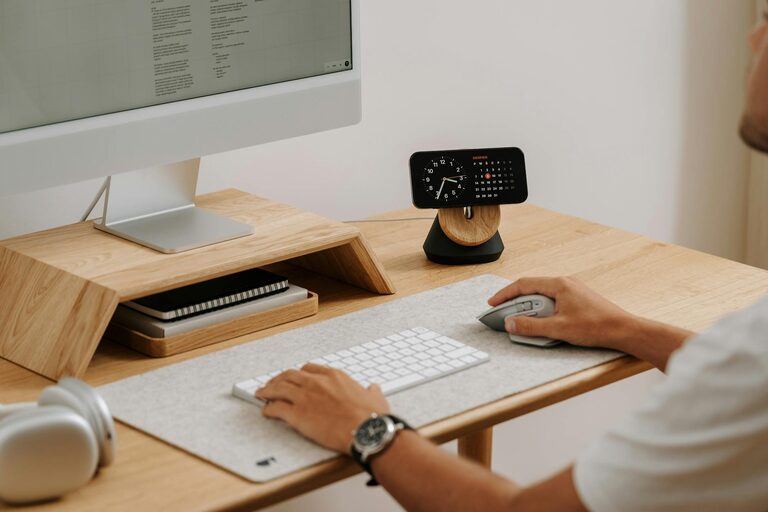
Creating a cozy and productive home office is essential for anyone working remotely or managing tasks from home. A well-designed workspace can boost your focus, reduce stress, and make your workday more enjoyable. Whether you have a dedicated room or just a small corner, these tips will help you set up an environment that balances comfort and efficiency.
1. Choose the Right Location
Consider natural light
Pick a spot with good natural light if possible. Natural sunlight can improve mood and energy levels, making you more alert and productive. Position your desk near a window, but avoid glare on your computer screen.
Minimize distractions
Choose a quiet area away from household noise or distractions. If you share your space with family or roommates, use room dividers or noise-canceling headphones to create a focused environment.
2. Invest in Comfortable Furniture
Ergonomic chair and desk
A comfortable, supportive chair is a must. Look for adjustable chairs that support your lower back and promote good posture. Pair it with a desk at the right height to avoid strain.
Consider standing desks
If you prefer moving more during the day, a standing desk or an adjustable sit-stand desk can help you switch positions and reduce sitting time.
3. Organize and Declutter
Use storage solutions
Keep your workspace tidy with shelves, drawers, and organizers. Store supplies like pens, notebooks, and cables neatly to avoid clutter on your desk.
Maintain minimalism
Limit your desk items to essentials only. A clean workspace reduces distractions and helps clear your mind.
4. Personalize Your Space
Add plants
Indoor plants not only brighten the room but can also improve air quality and boost creativity.
Display inspiring decor
Incorporate art, motivational quotes, or photos that inspire you and make the space feel welcoming.
Choose soothing colors
Use soft, calming colors like light blues, greens, or neutrals to create a relaxing atmosphere.
5. Optimize Lighting
Combine natural and artificial light
Use a mix of daylight and warm artificial lighting. An adjustable desk lamp lets you focus light where needed without straining your eyes.
Avoid harsh glare
Indirect lighting or lamps with shades reduce glare and create a cozy ambiance.
6. Improve Air Quality and Temperature
Ventilate regularly
Fresh air is important for concentration. Open windows when possible or use air purifiers to keep the air clean.
Keep a comfortable temperature
Ensure the room temperature is comfortable year-round. Use fans, heaters, or air conditioning as needed to avoid distractions caused by discomfort.
7. Set Boundaries and Create Routine
Define work hours
Clear boundaries between work and personal time help maintain productivity. Close your office door or pack up your work items when the day ends.
Create rituals
Start your day with simple routines like making coffee or organizing your desk. This signals your brain to switch into work mode.
8. Use Technology Wisely
Manage cables
Use cable organizers or clips to keep cords under control and prevent tangling.
Invest in quality tools
Reliable internet, a good computer, and comfortable peripherals like a keyboard and mouse can make a big difference in your work efficiency.
Conclusion
Designing a cozy and productive home office takes some planning, but the benefits are worth it. By choosing the right location, investing in comfortable furniture, organizing effectively, and adding personal touches, you can create a space that motivates and supports your best work. Remember to maintain balance and update your setup as your needs change. Your home office should be a place where focus and comfort go hand in hand.