Creating a home office that feels cozy yet enhances your productivity can transform your workday experience. Whether you are new to remote work or looking to refresh your space, combining comfort with function is key. Here are some helpful tips to design a home office environment that supports focus and well-being.
Choose the Right Location
Pick a Dedicated Space
Select a quiet corner or spare room where you can work without interruptions. A dedicated workspace signals your brain it’s time to focus, improving concentration.
Consider Natural Light
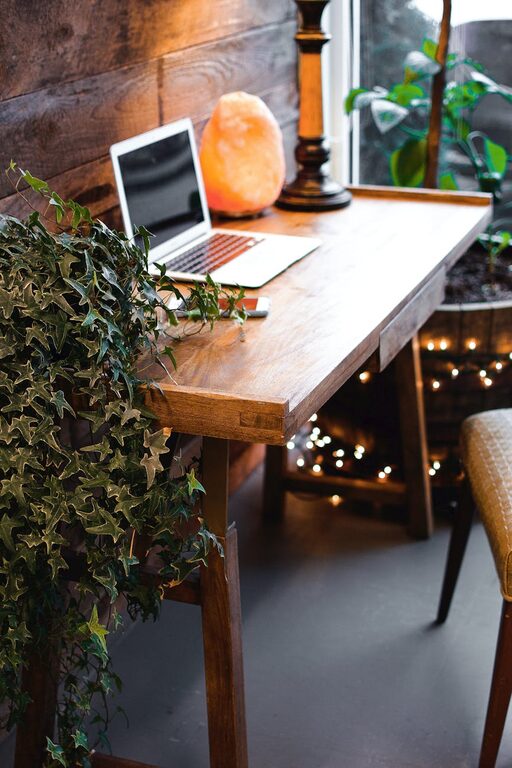
Position your desk near a window if possible. Natural light boosts mood and energy levels, making long work hours more pleasant. Avoid glare on your computer screen by adjusting curtains or blinds.
Invest in Ergonomic Furniture
Support Your Body
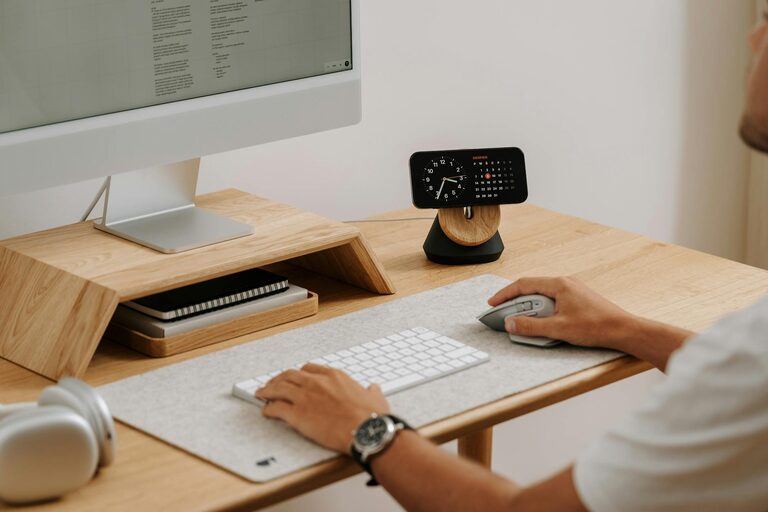
Choose an ergonomic chair with good lumbar support and adjustable features to avoid discomfort. Pair it with a desk at the correct height to maintain proper posture.
Flexible Workstations
If space allows, use a sit-stand desk or create areas for different activities, like reading or brainstorming. Changing positions during the day helps reduce fatigue.
Create a Cozy Atmosphere
Use Warm Colors and Textures
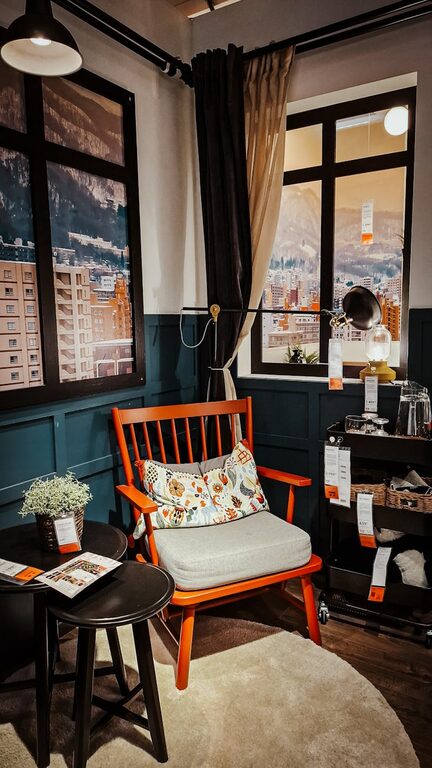
Incorporate calming colors such as soft blues, greens, or warm neutrals. Add comforting textures through rugs, cushions, or curtains to make the area inviting.
Personalise Thoughtfully
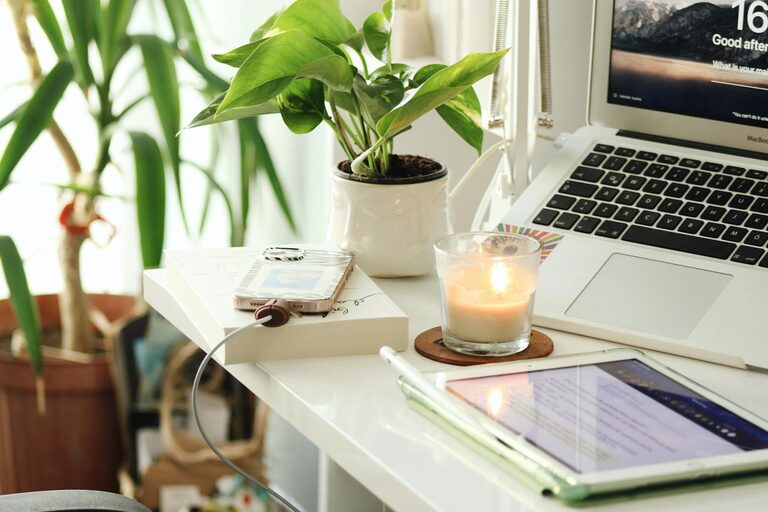
Add a few personal touches like plants, artwork, or photos. These can boost your mood without cluttering your workspace.
Organize for Efficiency
Declutter Regularly
Keep only essential items on your desk to reduce distractions. Use organizers, shelves, or drawers to store supplies neatly.
Use Digital Tools
Manage tasks and schedules with apps to stay organised. Reducing paper clutter helps maintain a clean workspace.
Manage Sound and Distractions
Reduce Noise
Consider noise-cancelling headphones or white noise machines if your area is noisy. Soft background music can also improve focus for some people.
Set Boundaries
Communicate your working hours to family or roommates to minimise interruptions. Use a “Do Not Disturb” sign if needed.
Optimize Lighting
Layer Your Lighting
Use a combination of overhead lights, task lamps, and ambient lighting. Adjustable lighting reduces eye strain and creates a comfortable setting.
Avoid Harsh Fluorescence
Opt for bulbs with natural light tones. Warm LED lights are energy-efficient and gentle on the eyes.
Incorporate Technology Wisely
Invest in Reliable Equipment
Ensure your computer, internet connection, and peripherals are up to date and functioning well. Technical problems can disrupt your workflow and cause frustration.
Keep Cables Tidy
Use cable organisers or clips to prevent tangled wires, keeping your desk neat and safer.
Take Breaks and Move
Schedule Regular Breaks
Step away from your workstation every hour to stretch or walk around. This supports circulation and prevents burnout.
Create a Relaxation Spot
If space permits, have a comfortable chair or corner where you can relax briefly. A change of scenery helps refresh your mind.
—
By applying these tips, you can design a home office environment that supports both comfort and productivity. Tailor your workspace to suit your needs and preferences, making work more enjoyable and efficient. A well-thought-out home office ultimately benefits your professional performance and personal well-being.